
Technical documentation
Find the exact application or system.
This library is organized around the software your team actually opens—not a shortened marketing view of the platform.
01
Desktop software
Application-specific manuals, setup, operating procedures, utilities, updates, and troubleshooting.

TEPS TriPrism
The complete operator manual: setup, preferences, sittings, packages, output, templates, graphics, and daily operation.

TEPS Processor
Image composition, package processing, output paths, queues, and production troubleshooting.
TEPS Print Center
Supported printers, printer detection, media, queues, job errors, USB reset, preferences, and logs.

TEPS Uploaders
TEPS HTTP Uploader and TEPS Uploader setup, credentials, watched folders, delivery queues, and upload troubleshooting.
TEPS Utilities
TEPS Rsync, Rsync Lite, HotFolder, and Archiver operating and recovery guidance.
TEPS Capture
Canon Capture, Nikon Capture, tethering, camera connections, import sources, and capture troubleshooting.
TEPS X Share (legacy)
Legacy commands, macOS behavior, installation, and operating guidance.

Bamboo & Raindrops
Companion applications and automated workflows.
02
Online platforms
Administration and operating guidance for TriPrism’s booking, capture, commerce, delivery, marketing, and analytics services.

PhotoTouch
Branded photo advertising and high-volume portrait systems, including capture equipment, supplies, software, and hands-on support.

FindYourPictures
Private digital delivery, online post-sales, guest marketing, gallery management, and performance analytics.

BookYourPictures
Reservations, scheduling, capacity, deposits, reminders, and guest preparation.
Transact
On-site point of sale, packages, upgrades, payments, and fulfillment.

QuickPics
Roaming capture, TextToPrint, and TextToSlideshow workflows for live events.
03
Hardware, accounts, and service
Camera and printer compatibility, symptom-based troubleshooting, licensing, activation, downloads, and account setup.
Hardware & printing
Supported cameras and printers, workstations, connections, media, and symptom-based troubleshooting.

macOS compatibility
Historical operating-system notices, installation behavior, Gatekeeper, camera helpers, and upgrade preparation.
Licensing & updates
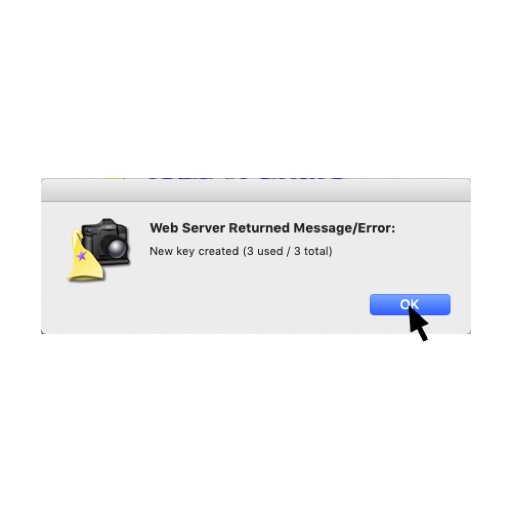
Activation, license moves, version checks, approved downloads, and software releases.
Getting started
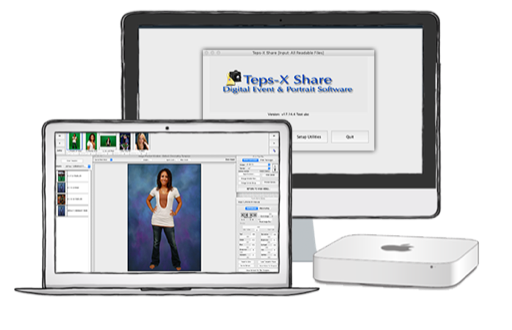
Choose the right product, prepare an account, and understand how the TriPrism ecosystem fits together.
Popular guides
Good places to begin
Still need a hand?
Talk to someone who knows the system.
Open a support request, call (858) 683-1560, or email support@triprism.com.