
 Setup guideLicensing & updates
Deactivate a TEPS license
Record your license number before deactivation. You will need it to activate the software again.
In this article
Deactivation steps
-
Click the center of the TEPS welcome screen near the product name.

-
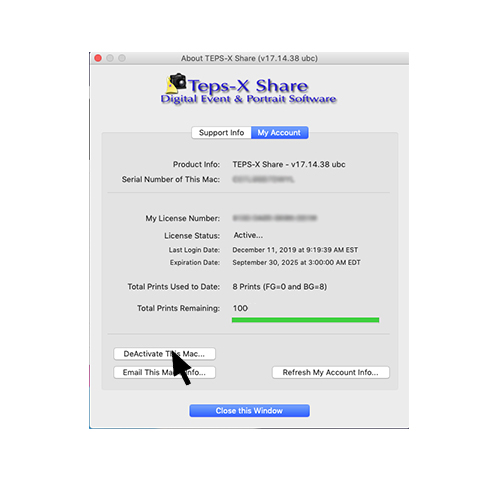
Select “DeActivate This Mac.”
-
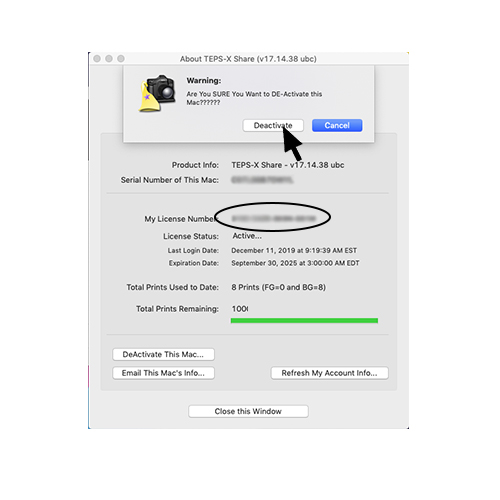
Record My License Number, then confirm Deactivate.
-
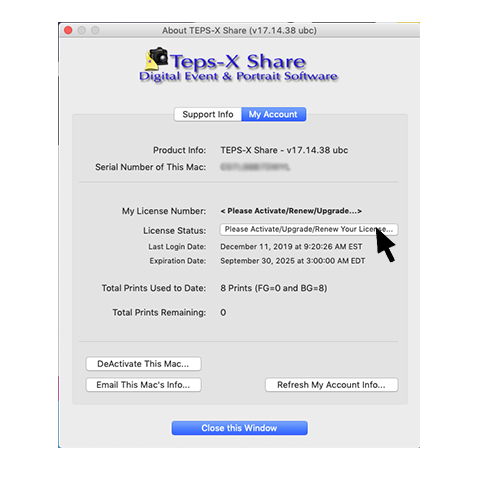
Confirm that TEPS returns to its pre-activation screen.
Did this article solve the issue?I still need help →