 Legacy guideTEPS X Share (legacy)
Add legacy TEPS applications to the Dock
The original setup guide shows how to drag TEPS applications to the Dock and keep a running application there.
In this article
Dock setup
Dock Setup
New Installations: Setup the dock for easy use.
We recommend adding TEPS applications to the dock for easy use.
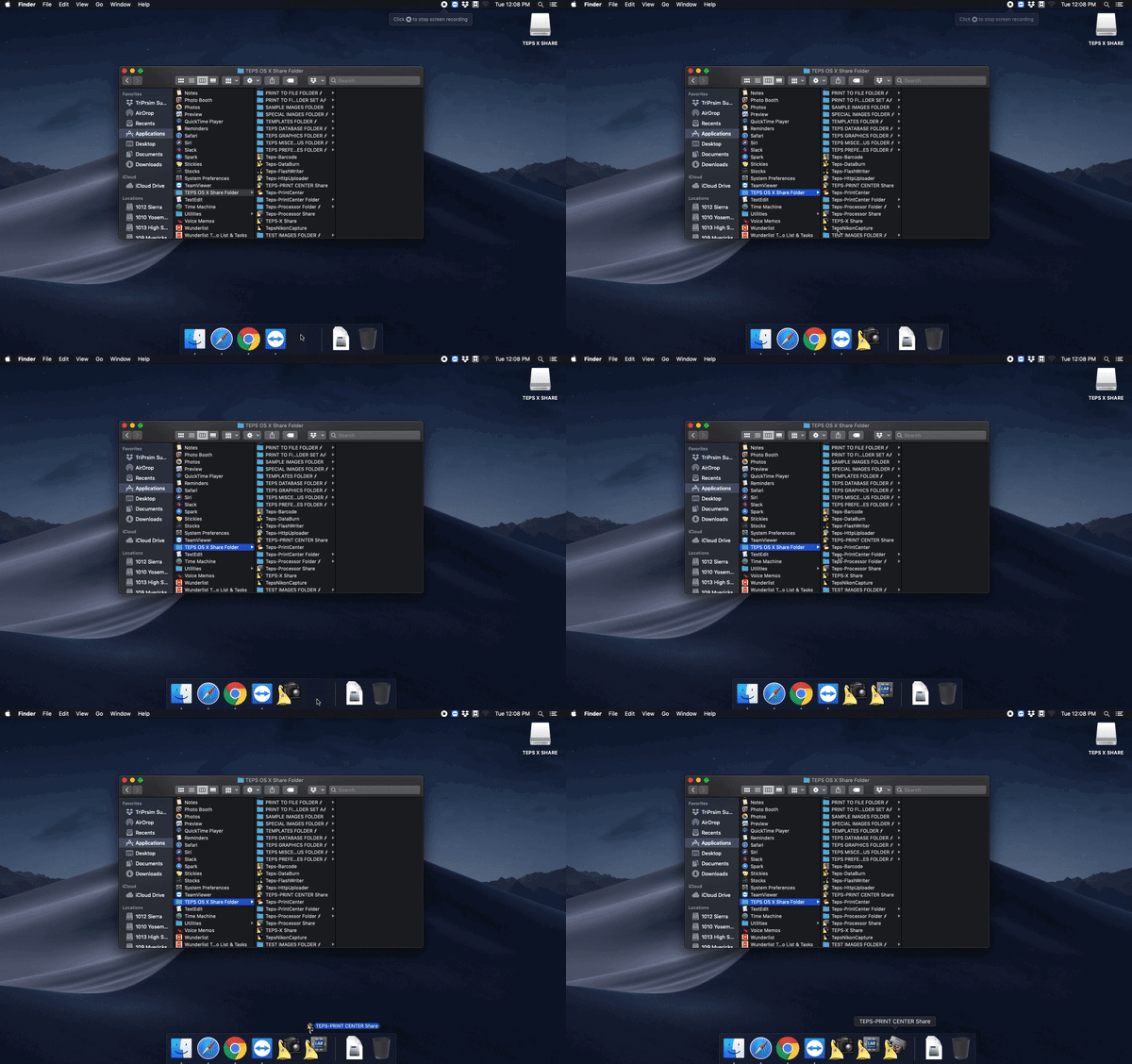
We believe this optional step may save you a lot of time searching for the TEPS applications. By default they are saved in /Applications/TEPS OS X SHARE folder/ from finder you can click on "Applications" then TEPS OS X Share folder. We recommend adding TEPS X Share, TEPS Processor Share, and TEPS Print Center Share to your doc for ease of use.
You can do this two different ways. With the Applications not open; from the TEPS OS X Share folder, simply drag the apps down from the folder to the dock.
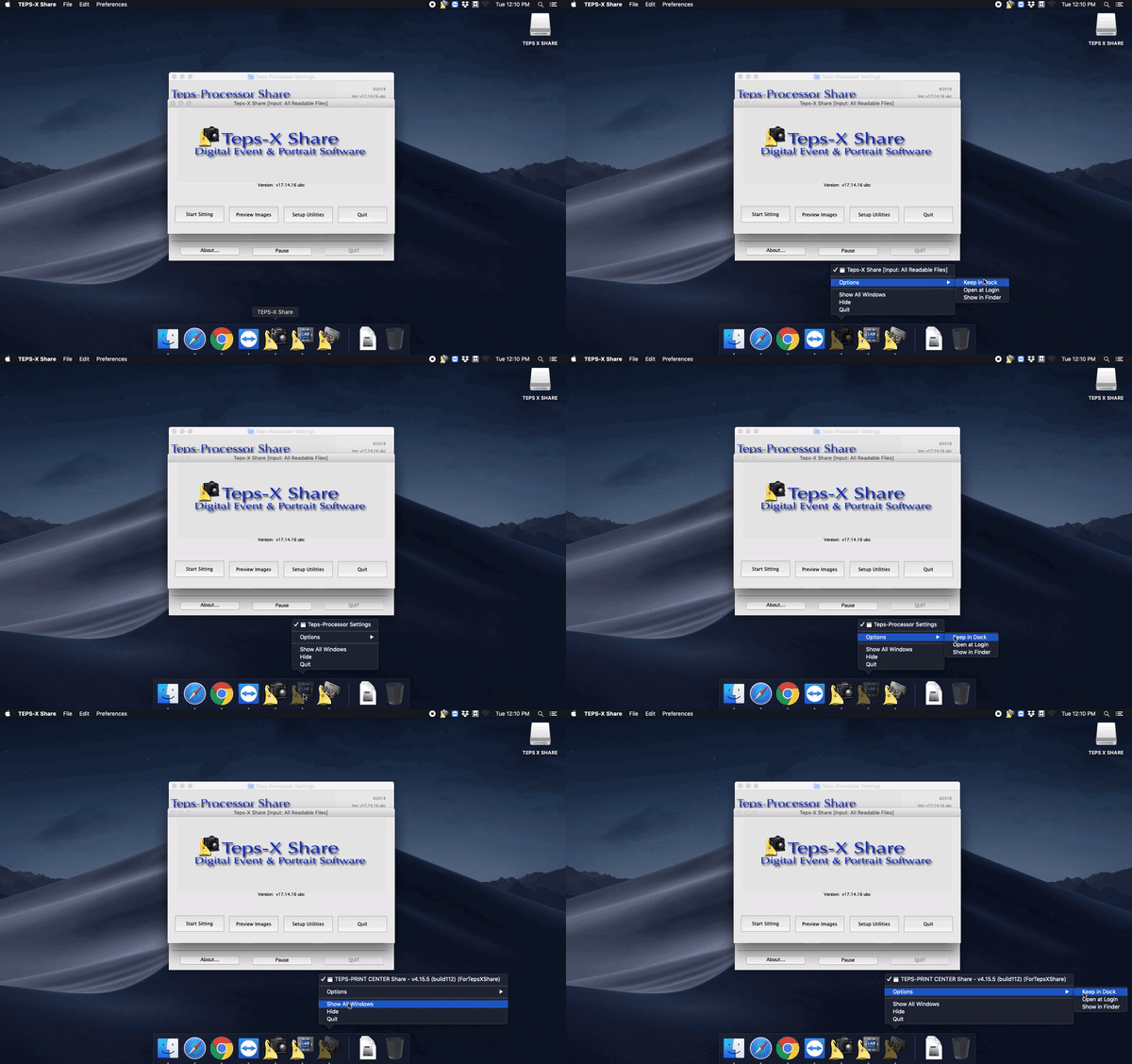
If the applications are already open, then right click on the application in the dock, hover over "options" then click "Keep in Dock." Do the same steps for the TEPS-X Share, TEPS Processor Share, and the TEPS Print Center Share.