
 Illustrated manualTEPS TriPrism
TEPS manual: editable text
Original illustrated instructions for Editable Text preferences.
In this article
Editable text settings
Complete illustrated manualThis original TriPrism documentation is retained in full. Version-specific screens and historical behavior remain labeled in the guide.
EDITABLE TEXT
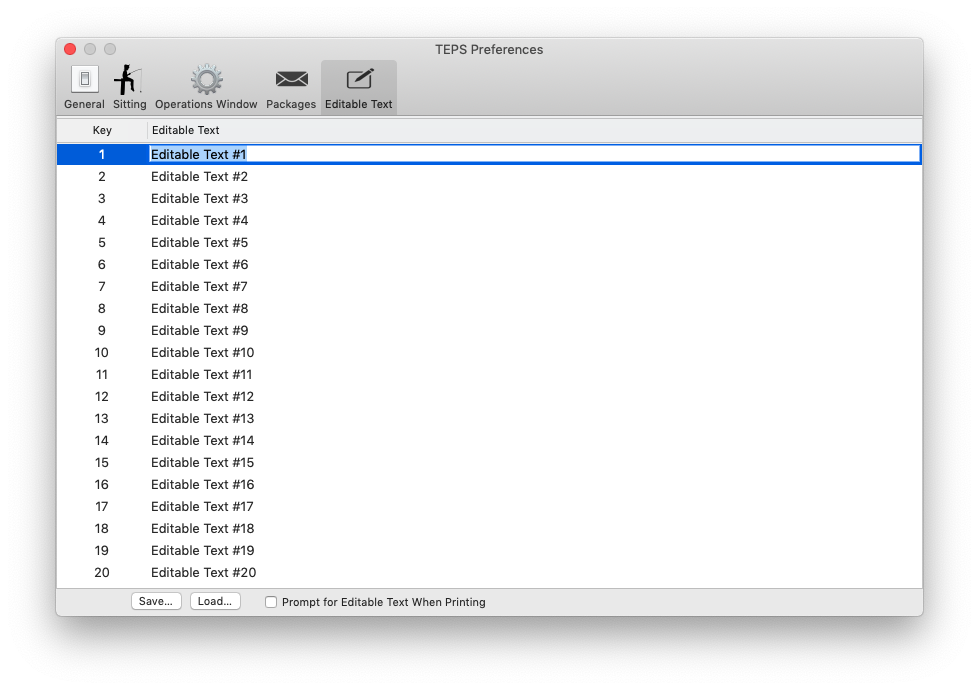
EDITABLE TEXT
Editable text fields are fields that are designed to be easily editable and can be changed either in settings, or on prompt when printing the package.
To set an editable text field, double click the field and type in your desired text.
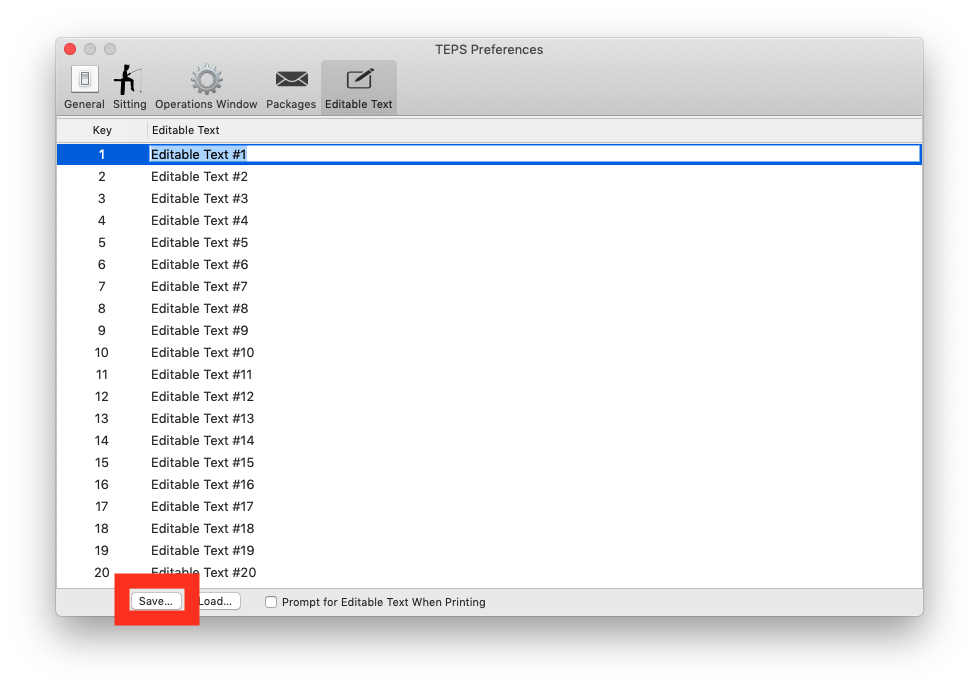
SAVE CHANGES
Once you have completed your editable text, press "Save"
Did this article solve the issue?I still need help →