
 Legacy guidemacOS compatibility
Open legacy TEPS applications for the first time
Follow this only for trusted TriPrism applications obtained from an official installer or download location.
In this article
First-launch procedure
Legacy documentationThis procedure is preserved for systems that still run this software or hardware generation. Confirm the application and macOS version before making changes.
Launching the applications the first time.
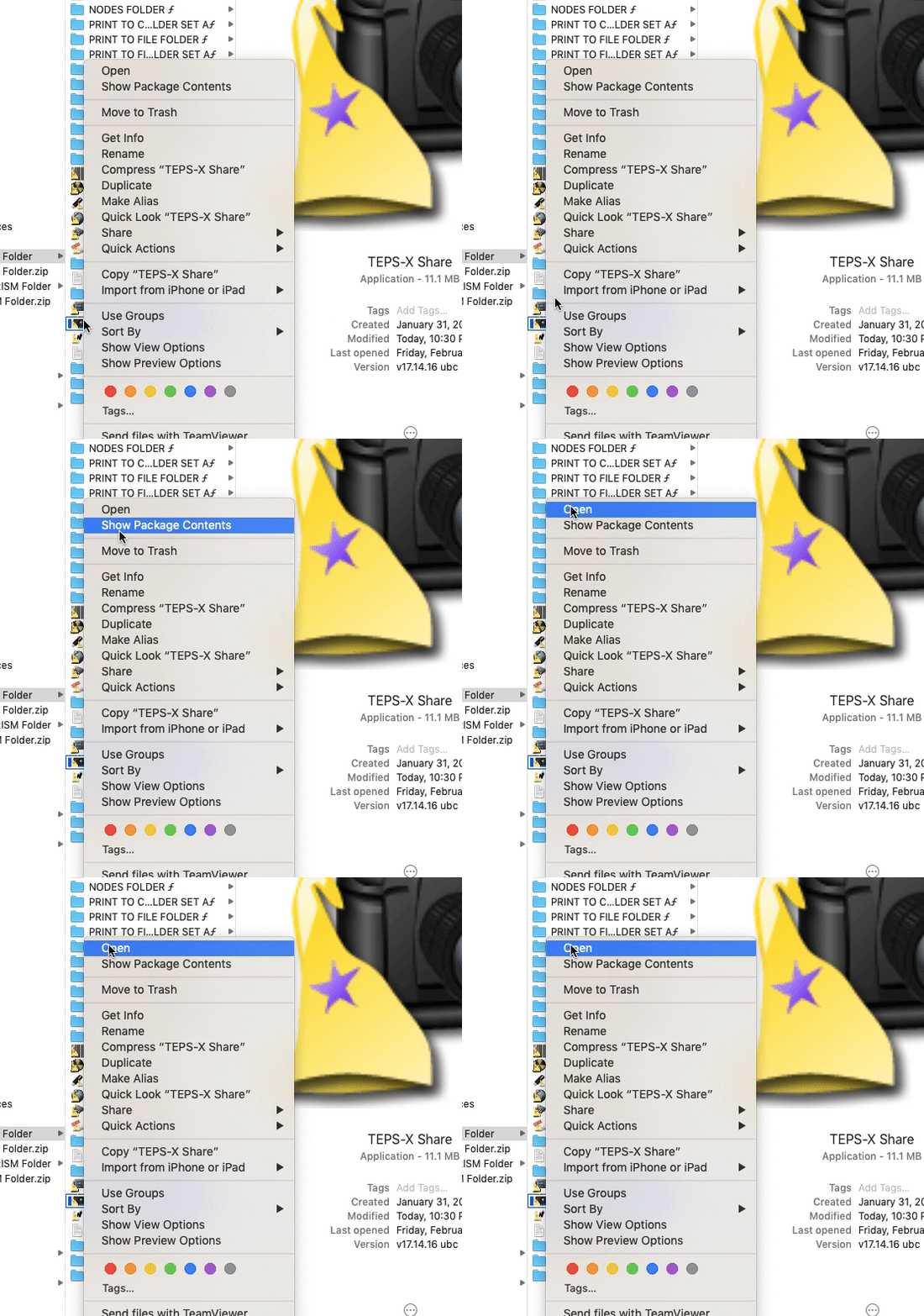
Gatekeeper: Untrusted ApplicationsTo tell Apple's Gatekeeper to Trust TEPS-X Share when you launch the application the first time you can right click on the application, then press and hold the "option/alt" key, and finally click open. Do this for the processor and print center as well.
If you are running macOS 10.13.x or 10.14.x you will also receive a notification that 'this application is not optimized for this mac.' This notification is because newer versions of macOS are shifting to 64 bit based applications and TEPS X Share is still 32 bit.
Did this article solve the issue?I still need help →